

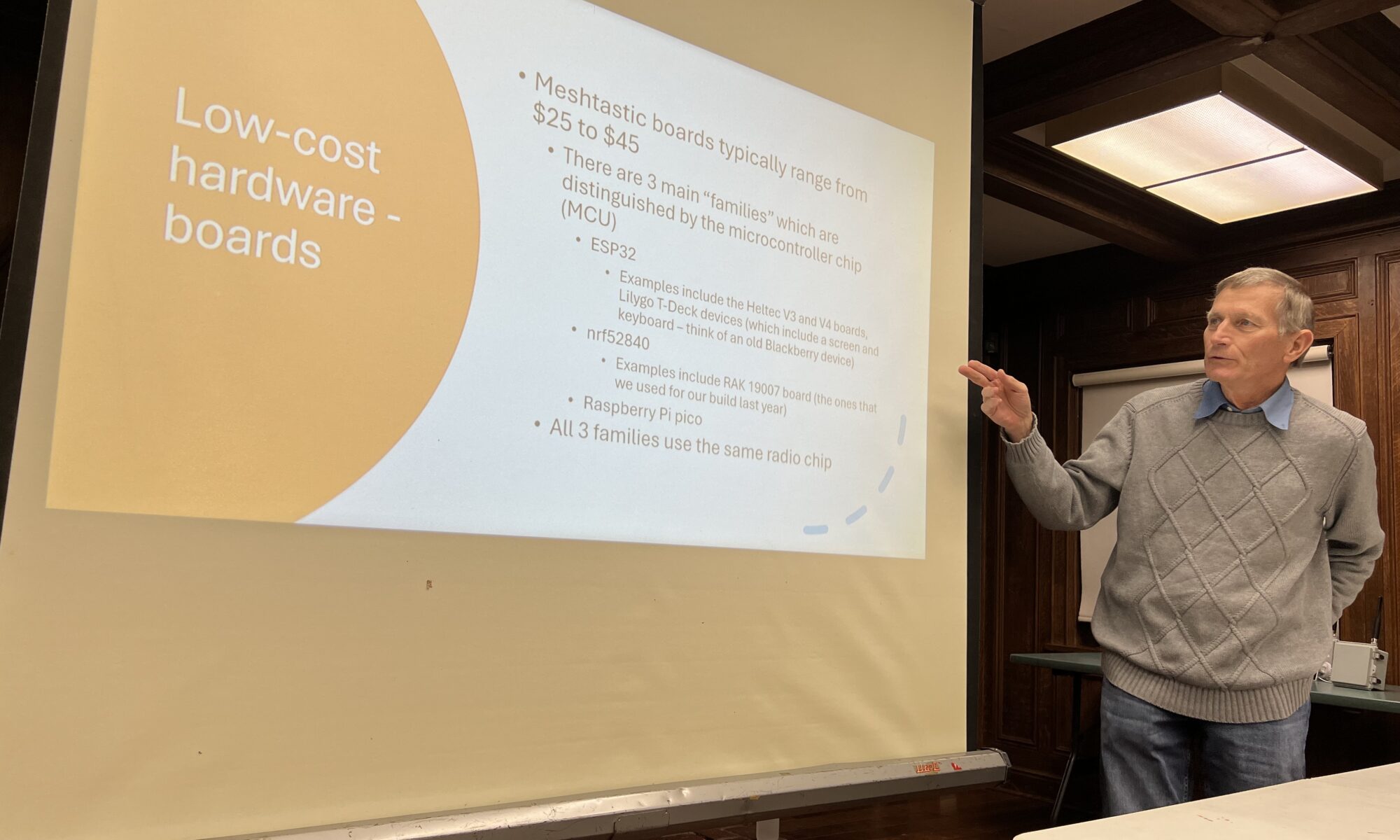
SPARC president Tom Bruegge, KE6SRO led our first meeting of the year and gave a presentation on how to improve the performance of our Meshtastic nodes.
Many club members who deployed Meshtastic devices last year were frustrated at their inability to connect with other SPARC nodes and the unpredictability of the local Meshtastic network. Tom explained several specific factors which influence Meshtatic’s network topography. Changing certain settings within the Meshtastic app may increase the likelihood of a good connection. But the most important factor is updating your node’s firmware to the latest version. Tom followed up his presentation with advice on the firmware update procedure:
The simplest way to do this is to go to the Meshtastic website. Once there, you can choose your device, choose the firmware version, and then flash. If you have one of the RAK boards that we purchased as a group last year, you should choose “RAK WisBlock 4631” as your device type. I would suggest leaving the firmware to the default of the latest stable release (which, is actually a stable beta — there never seems to be anything that they call a final release, just alpha and beta versions of the software).
Once you’ve chosen the device and the firmware version, you can just flash the device directly from the web browser. One caveat is that this web flasher does require that your browser be a “Chromium” based browser. Examples are Google Chrome and Microsoft Edge browsers. Apple’s Safari and Firefox will not work with the web flasher.
In order to flash the device, you’ll need to connect the device to your computer using a USB cable (USB-C on the device end). You also need to make sure that the device is in its “DFU” mode. (I don’t know what that stands for, but basically, this is the state that the device needs to be in so that the new firmware can be uploaded.) How this is done varies by device. For the RAK 4631, a quick double press of the reset button after connecting the device to the computer via USB should do the trick.
Finally, it’s really important that you have a good-quality USB cable to attach the device to your computer. I know that I tried several cables before I got one that worked well. (Many USB cables are only useful for charging, not for data transfer.)
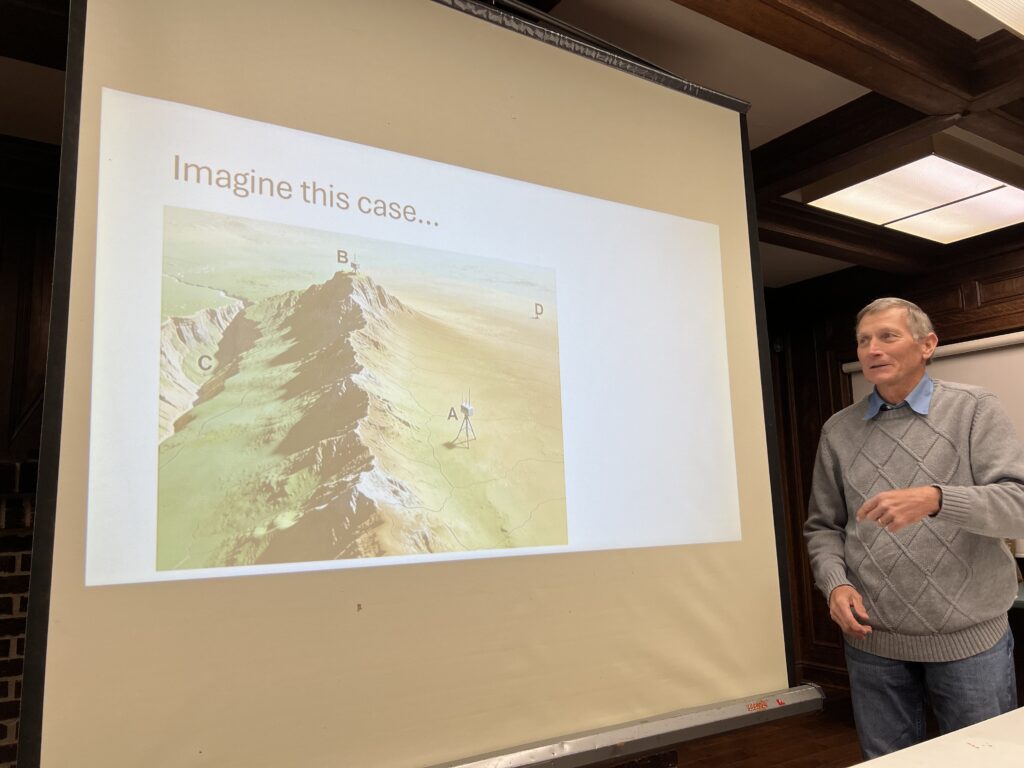
Tom concluded with an overview of MeshCore, an alternative to Meshtastic that uses different algorithms and device classes. MeshCore works on much of the same hardware as Meshtastic, including the nodes we purchased as a club last year. While the MeshCore network in our area is not as robust as Meshtastic’s, it is sufficient for experimenting and comparing performance. MeshCore also uses an app and browser-based web flasher.
Tom’s full presentation is embedded below.