February 2026 Meeting: APRS Gateway Services with Jeff, W2JCL

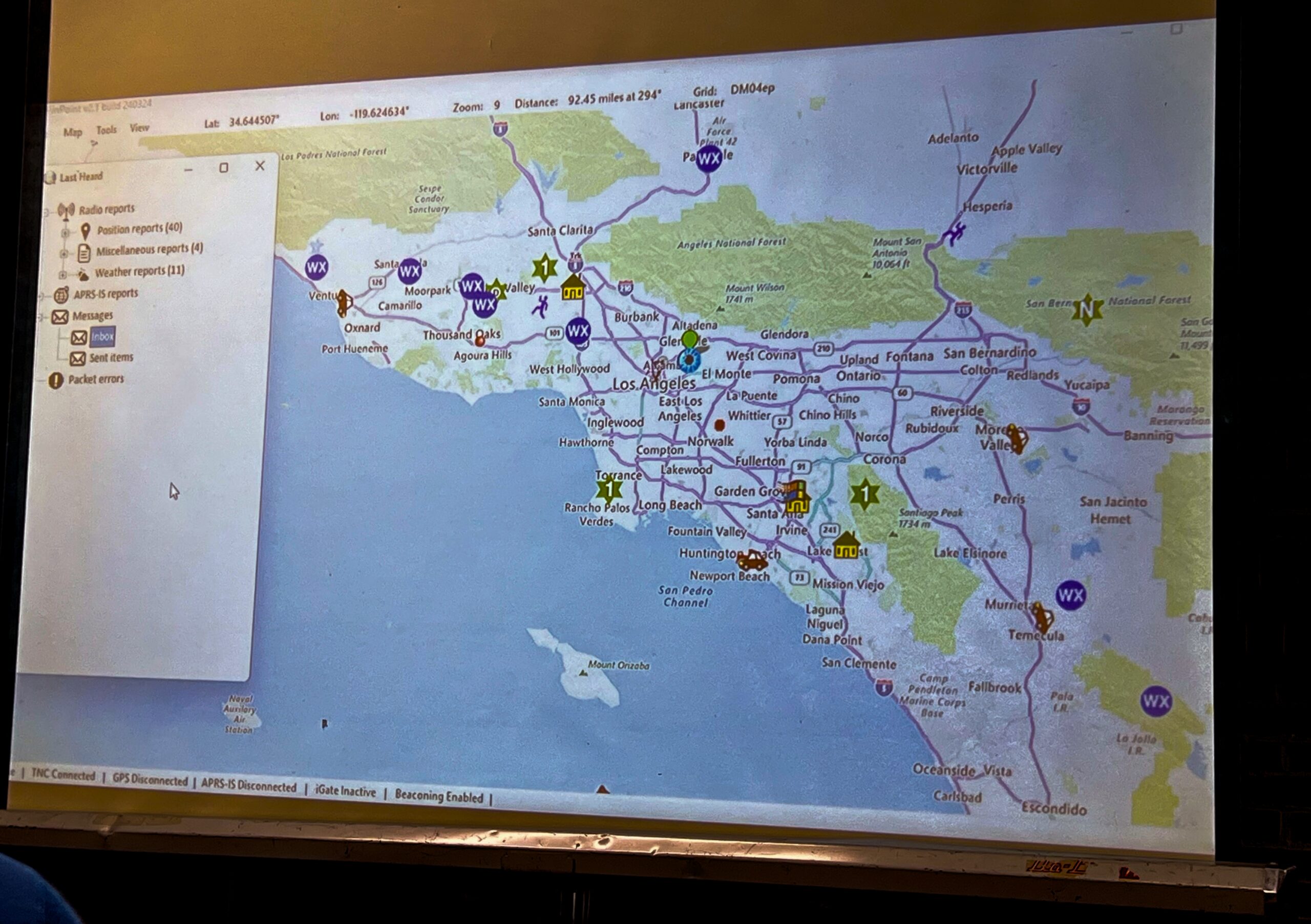
A screen onto which a projector displays the Windows program PinPoint APRS. There is a map of Southern California.
Live packets decoded by PinPoint APRS are projected onto a screen.

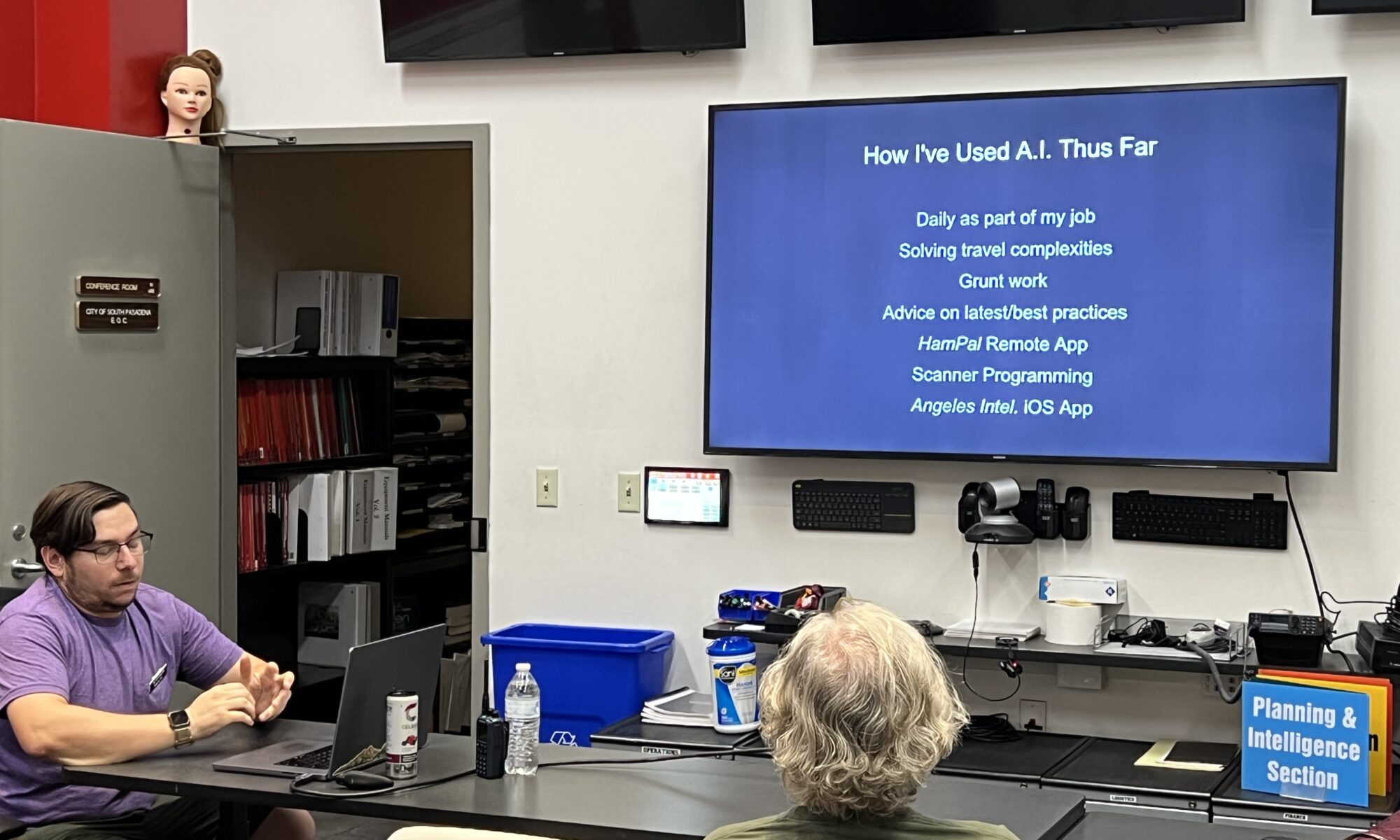
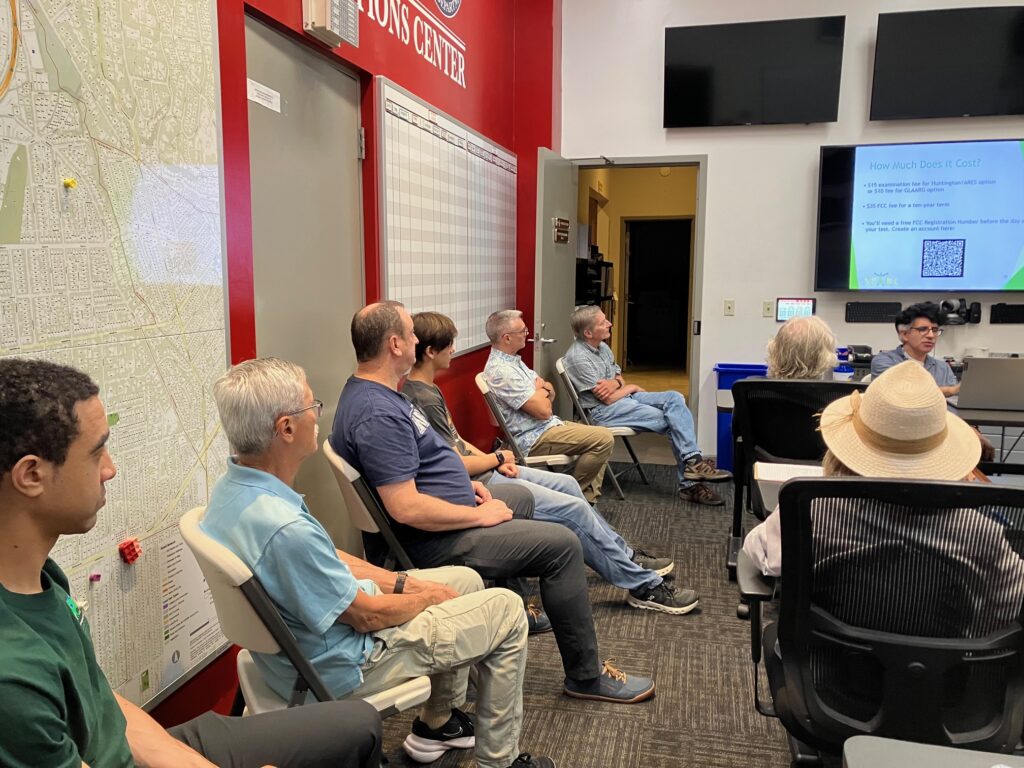
At our February meeting, SPARC’s vice president Jeff Liter, W2JCL gave a presentation on extra features available within APRS (the Automatic Packet Reporting System). These features are called gateway services because they are managed through computer gateways that transmit data over APRS.

WXBot is a service which sends you weather data on request. By messaging specific commands to WXBot, you can control what information the service sends back.

With APRS to SMS you can send a message to someone’s phone even when you are out of cell range. APRS carries your message via radio to a gateway and then out to the internet for delivery. In order to send a message via this gateway successfully, your recipient must opt in at the site linked above.

There are also gateway services which allow you to communicate with WhatsApp, spot yourself for SOTA activations, send short emails, or interact with your Winlink account. However, Jeff warned that the Winlink service is not user friendly.

Gateway services must use the national APRS frequency of 144.390 and transmit via AX.25 packet as opposed to protocols like VARA FM. They are run by volunteers, and many provide donation links so users can help cover the cost of their operation.

To access APRS, you need a 2m radio and a way to interface that radio with a laptop, phone, or tablet. Jeff demonstrated PinPoint APRS running on his Windows laptop with SoundModem, a software TNC. On iOS, the most common app to use is APRS.fi, and on Android it is APRSDroid.

Laptops typically require an external sound card connecting the radio and the computer. Jeff recommended the compact offerings from DigiRig for both laptop and phone/tablet use.  He demonstrated an iPad running APRS.fi which only required an audio connection to the radio because the app handled the TNC function by itself.

Below are the slides from Jeff’s presentation.

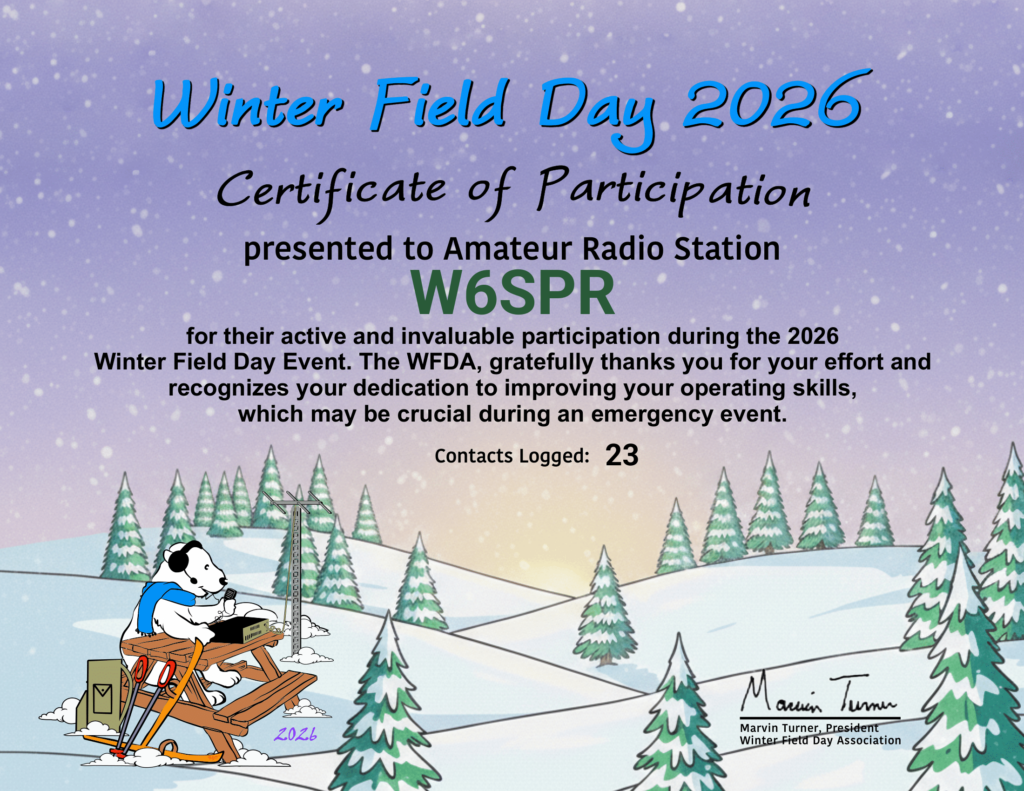
Winter Field Day 2026

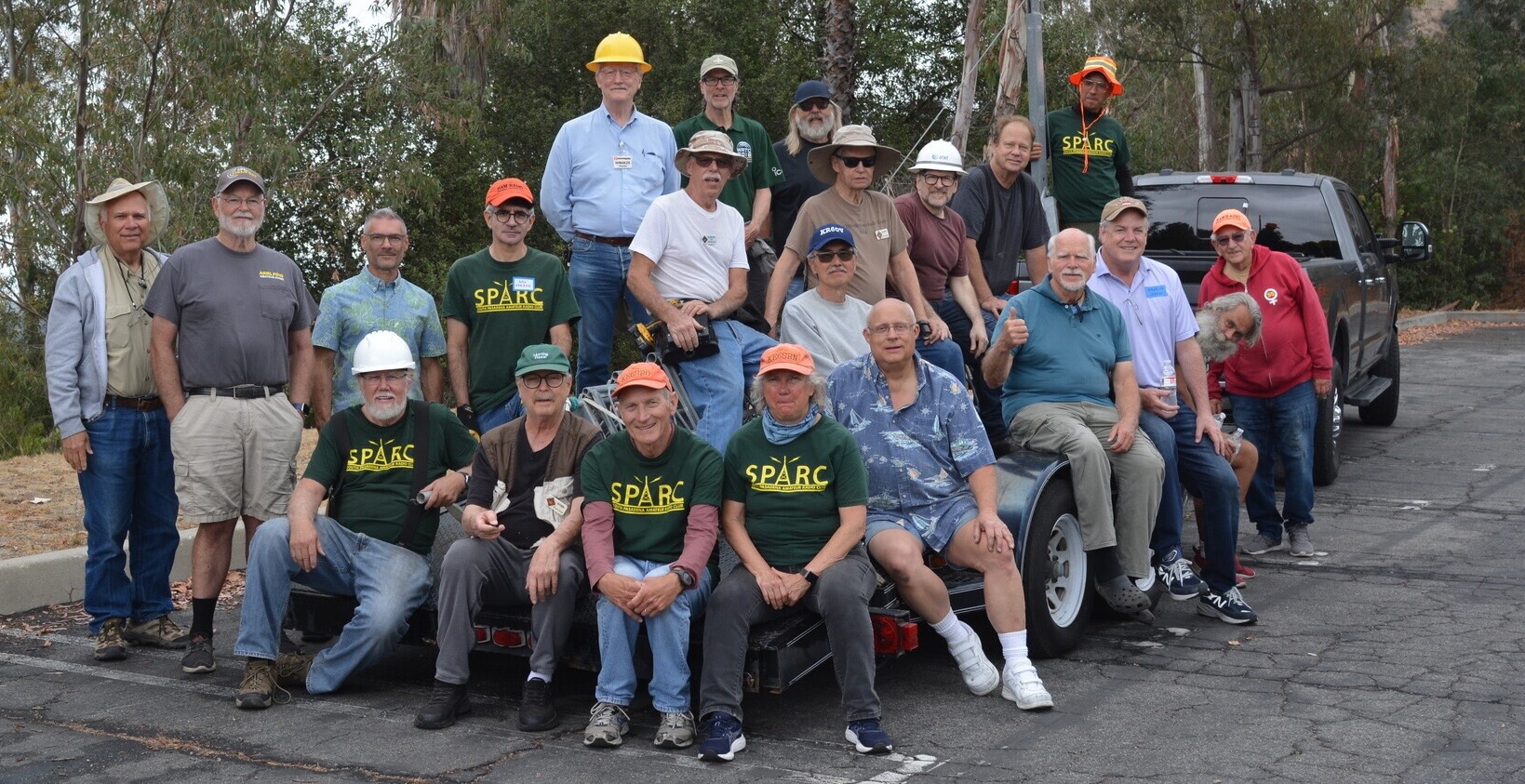
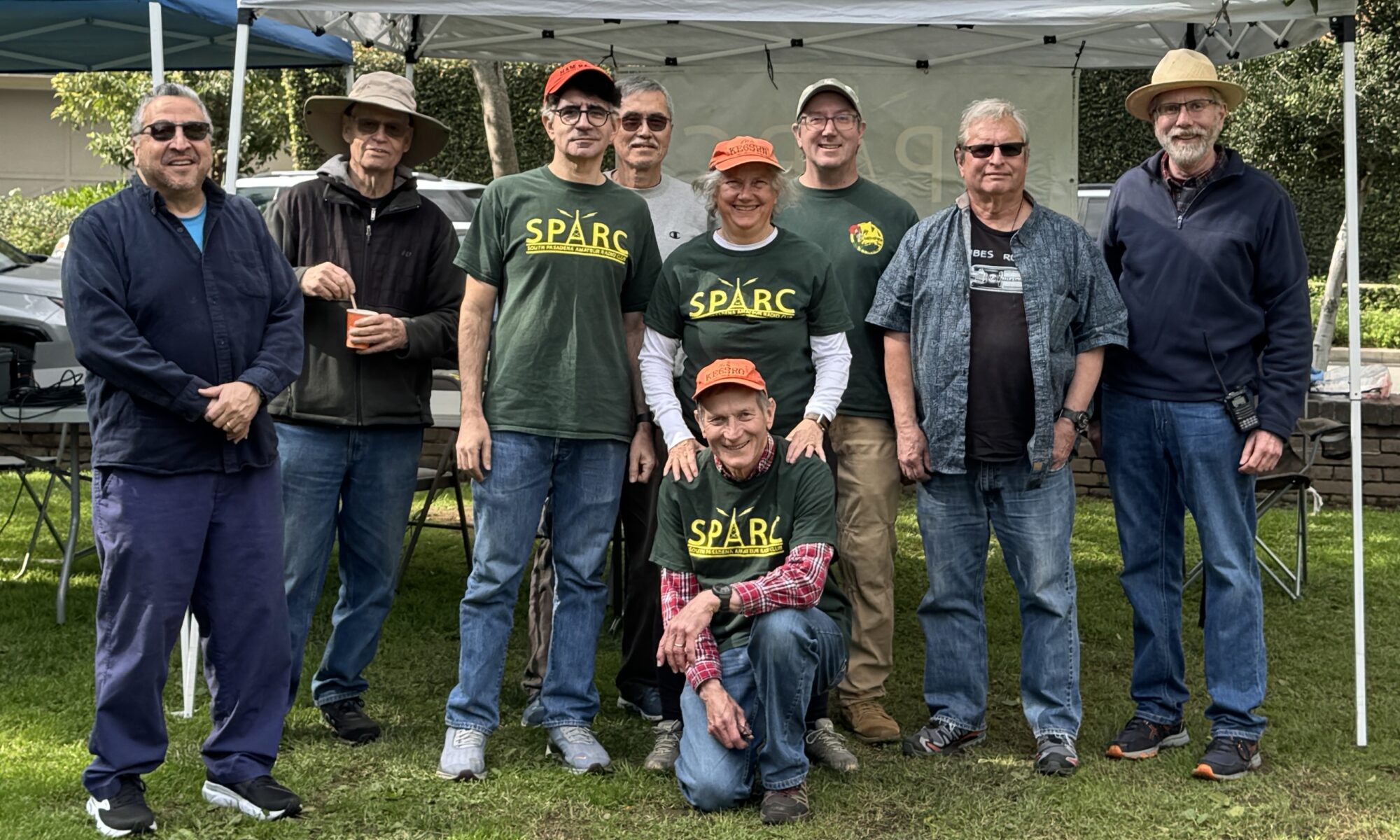
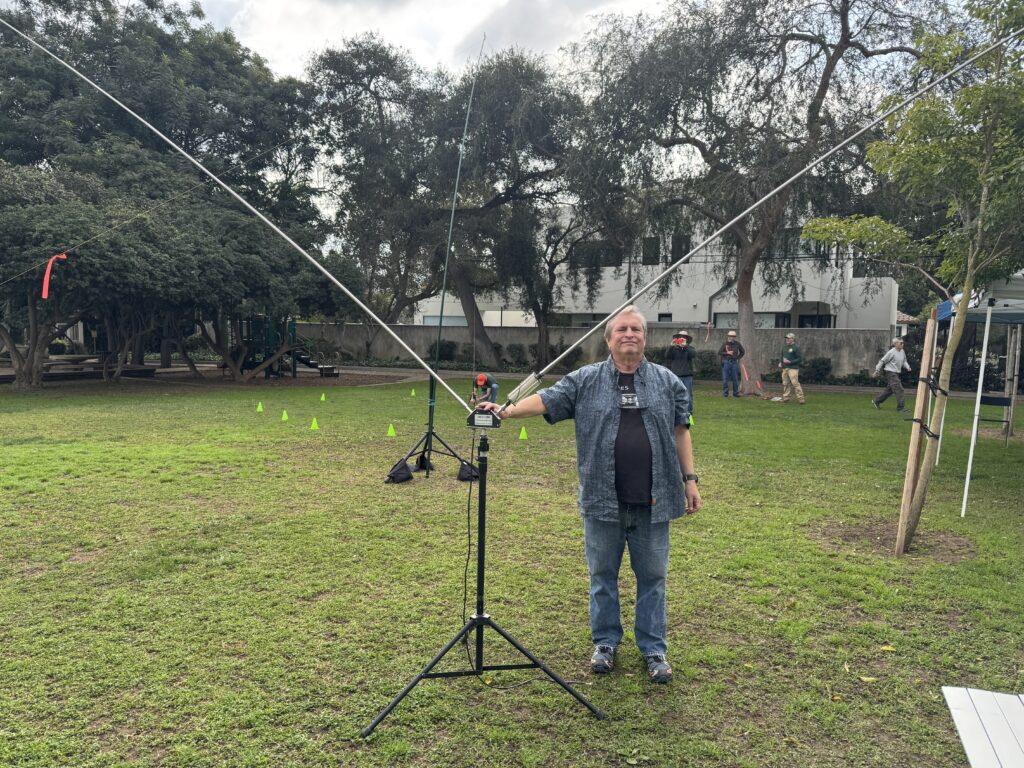
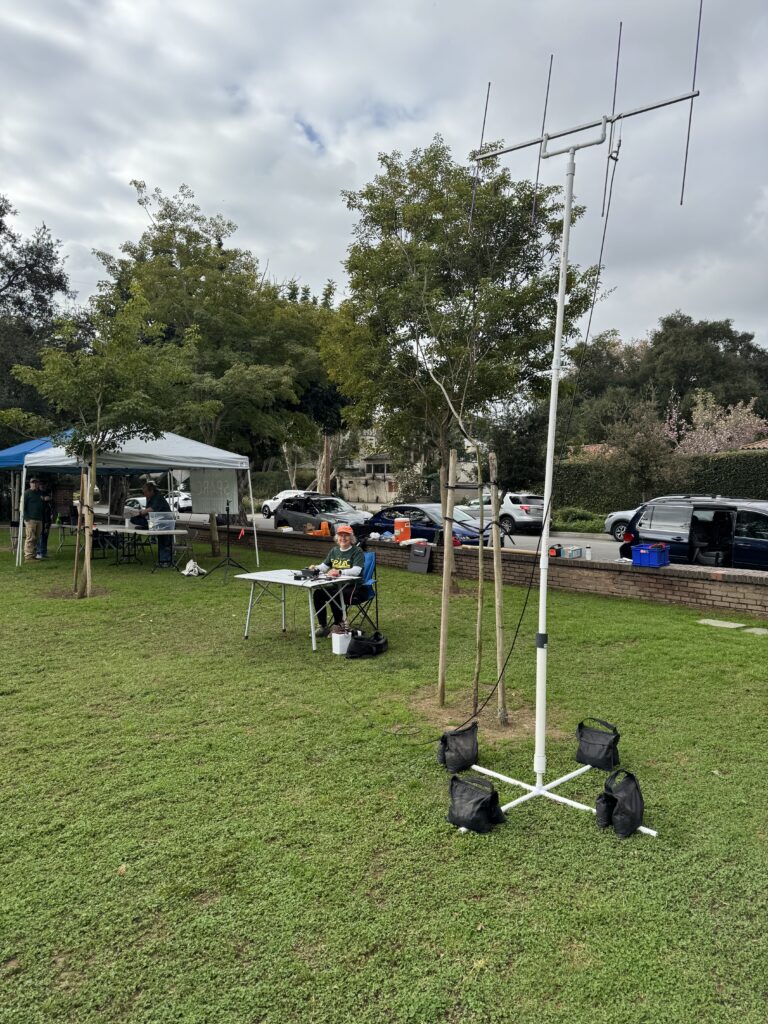
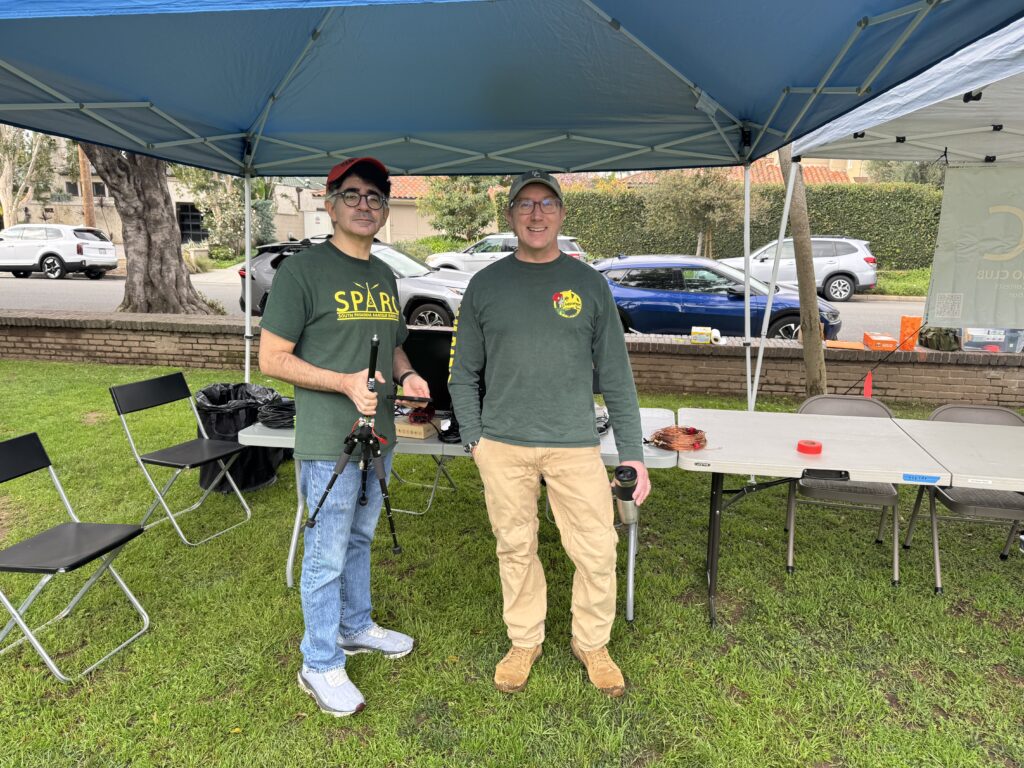
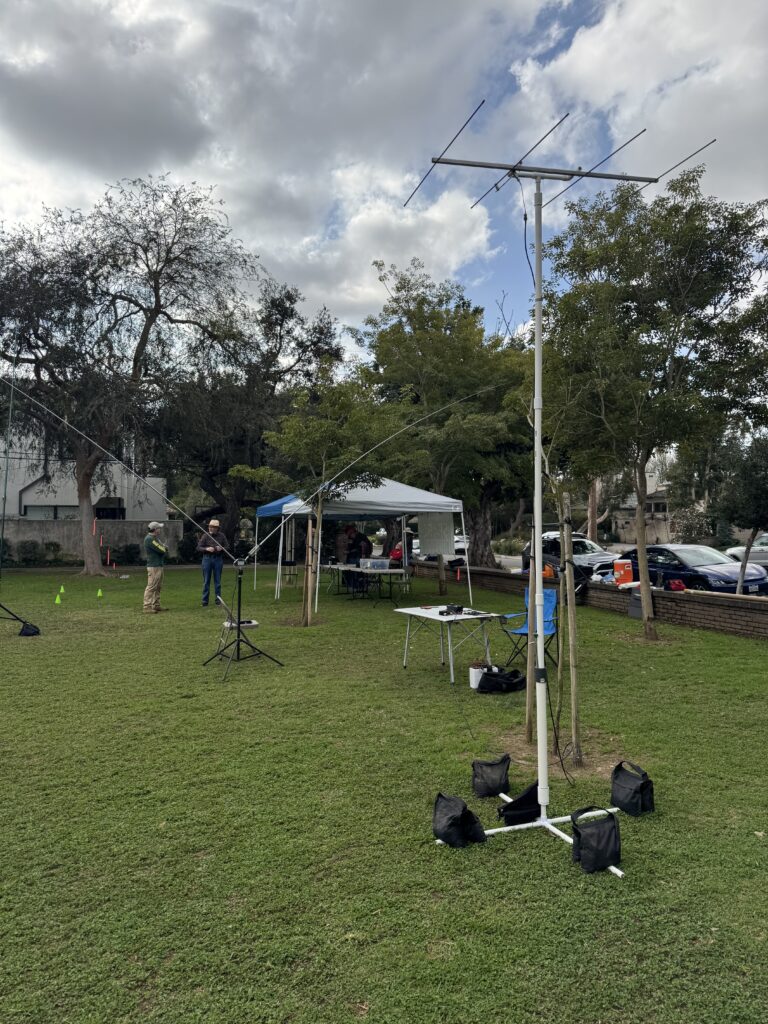
SPARC members at Winter Field Day 2026

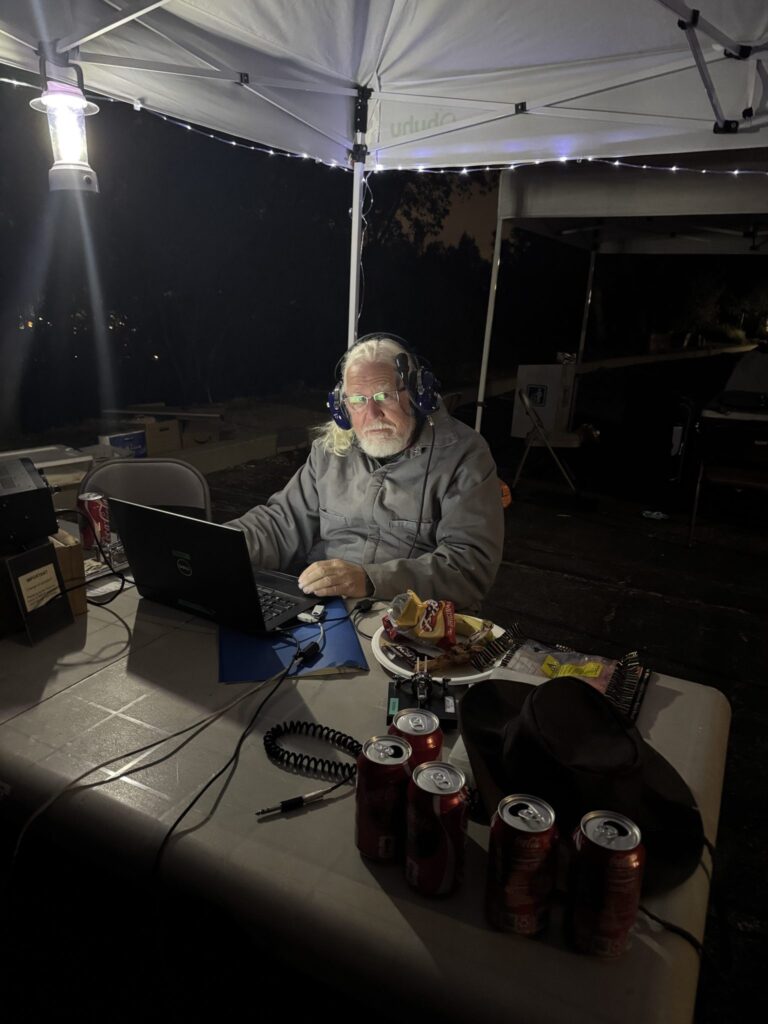
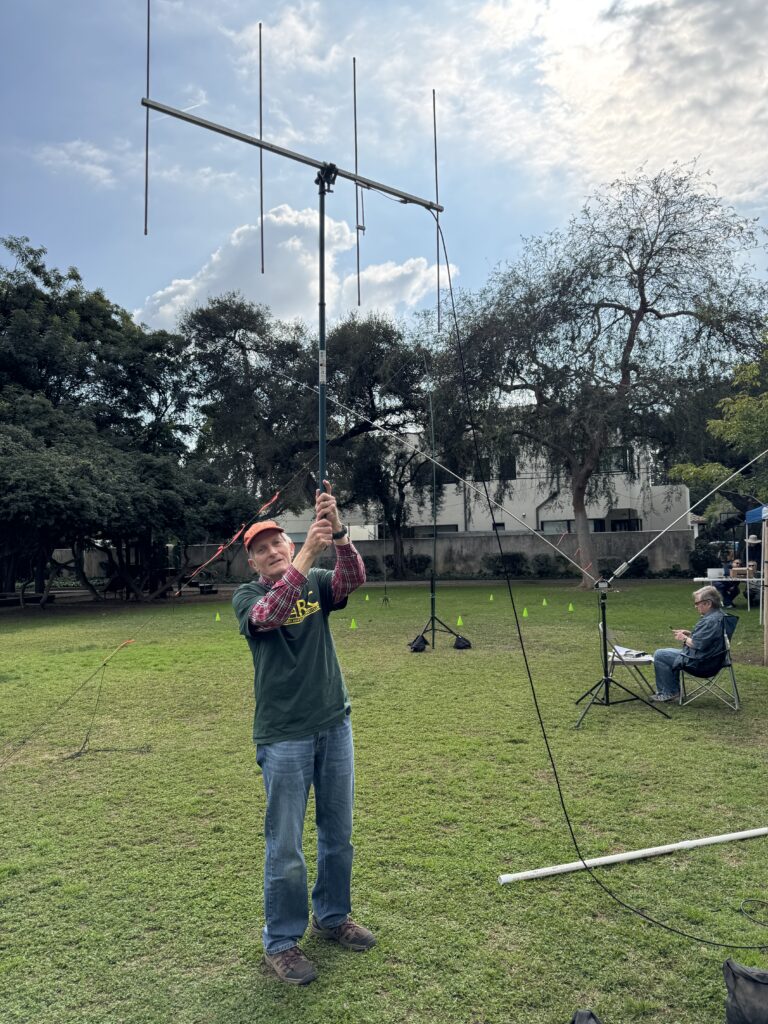
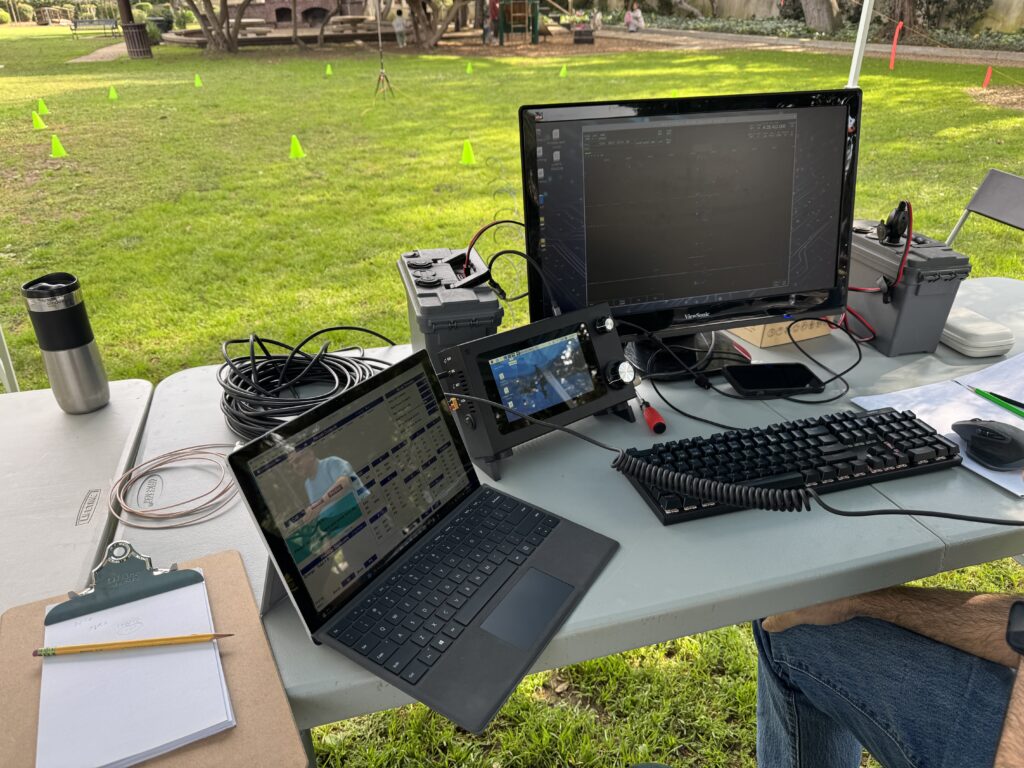
On Saturday, January 24, SPARC returned to Eddie Park for the 2026 edition of Winter Field Day. Club members had a chance to deploy antennas they had not used before and test new field operation set-ups. While most of the country suffered through bitter cold and adverse conditions, we enjoyed the lovely setting of Eddie Park and introduced ham radio to several curious passersby. We operated from approximately 10:30 a.m. to 2:45 p.m.

Total Contacts: 23
20m: 7 phone, 2 digital (JS8Call)
10m: 6 phone
2m: 8 phone

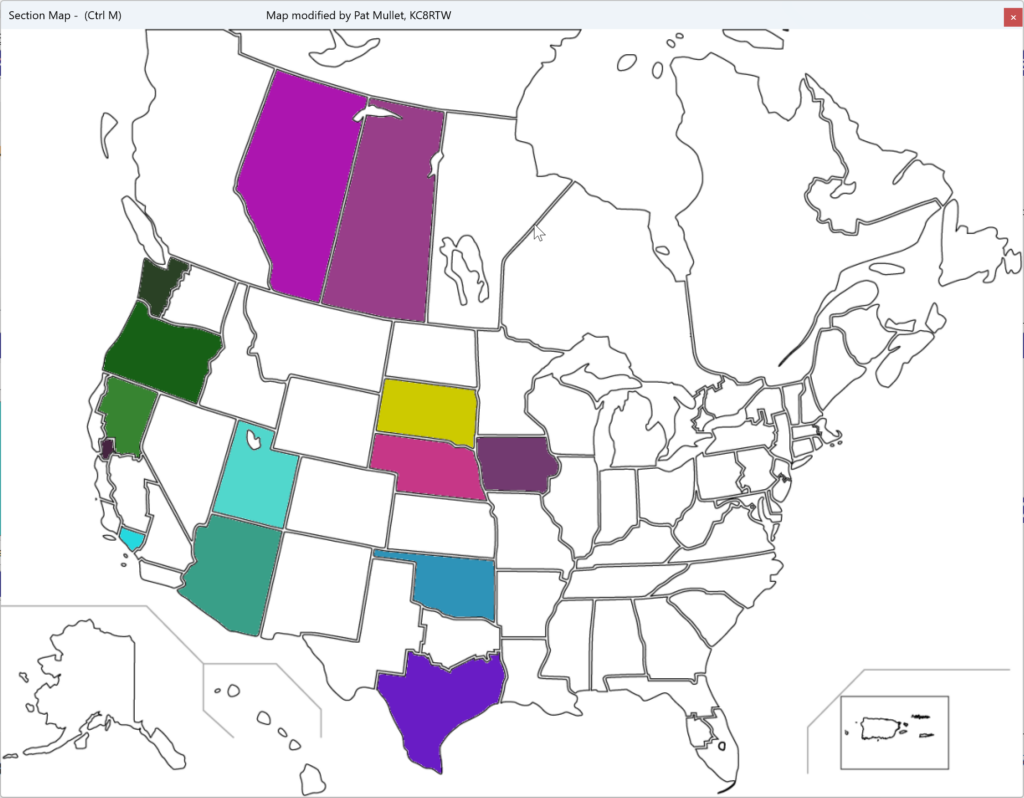
ARRL sections and RAC provinces where we made contacts on Winter Field Day 2026. Map generated by N3FJP logging software.

January 2026 Meeting — Meshtastic Update with Tom, KE6SRO

Tom, KE6SRO with a slide about Meshtastic hardware options

SPARC president Tom Bruegge, KE6SRO led our first meeting of the year and gave a presentation on how to improve the performance of our Meshtastic nodes.

Many club members who deployed Meshtastic devices last year were frustrated at their inability to connect with other SPARC nodes and the unpredictability of the local Meshtastic network. Tom explained several specific factors which influence Meshtatic’s network topography. Changing certain settings within the Meshtastic app may increase the likelihood of a good connection. But the most important factor is updating your node’s firmware to the latest version. Tom followed up his presentation with advice on the firmware update procedure:

The simplest way to do this is to go to the Meshtastic website. Once there, you can choose your device, choose the firmware version, and then flash.  If you have one of the RAK boards that we purchased as a group last year, you should choose “RAK WisBlock 4631” as your device type.  I would suggest leaving the firmware to the default of the latest stable release (which, is actually a stable beta — there never seems to be anything that they call a final release, just alpha and beta versions of the software). 

Once you’ve chosen the device and the firmware version, you can just flash the device directly from the web browser.  One caveat is that this web flasher does require that your browser be a “Chromium” based browser.  Examples are Google Chrome and Microsoft Edge browsers.  Apple’s Safari and Firefox will not work with the web flasher. 

In order to flash the device, you’ll need to connect the device to your computer using a USB cable (USB-C on the device end).  You also need to make sure that the device is in its “DFU” mode.  (I don’t know what that stands for, but basically, this is the state that the device needs to be in so that the new firmware can be uploaded.)  How this is done varies by device.  For the RAK 4631, a quick double press of the reset button after connecting the device to the computer via USB should do the trick.

Finally, it’s really important that you have a good-quality USB cable to attach the device to your computer.  I know that I tried several cables before I got one that worked well.  (Many USB cables are only useful for charging, not for data transfer.)

Tom, KE6SRO with a slide demonstrating how elevation affects Meshtastic connections.

Tom concluded with an overview of MeshCore, an alternative to Meshtastic that uses different algorithms and device classes. MeshCore works on much of the same hardware as Meshtastic, including the nodes we purchased as a club last year. While the MeshCore network in our area is not as robust as Meshtastic’s, it is sufficient for experimenting and comparing performance. MeshCore also uses an app and browser-based web flasher.

Tom’s full presentation is embedded below.

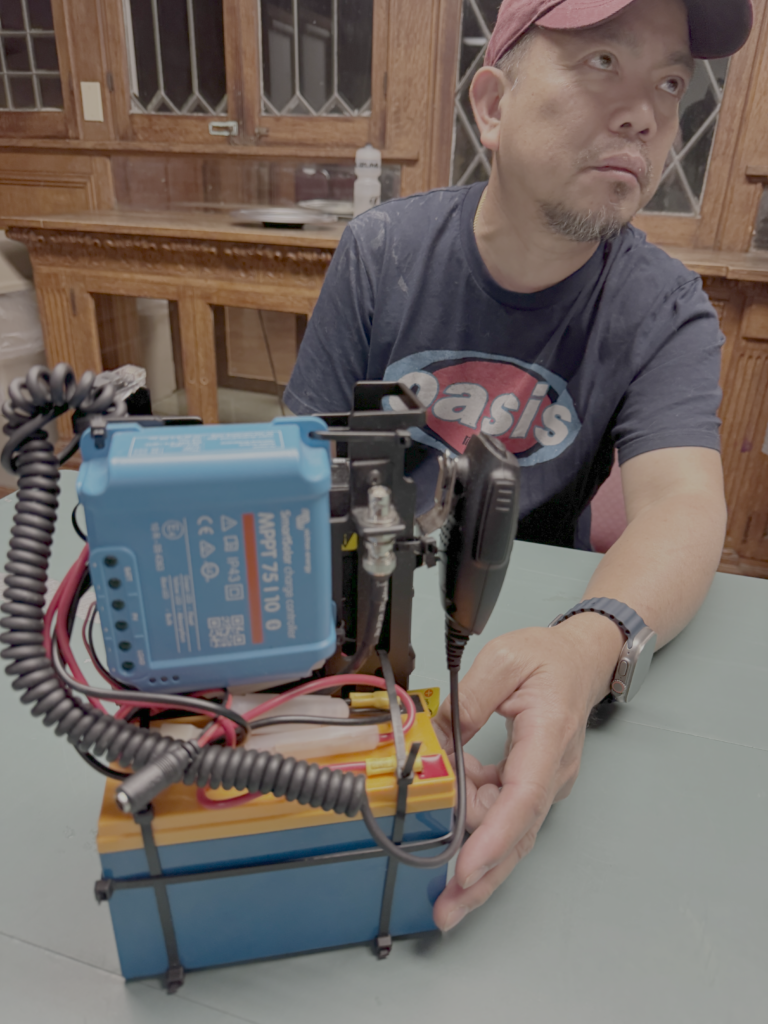
Modifying the Quansheng HT to Operate CW

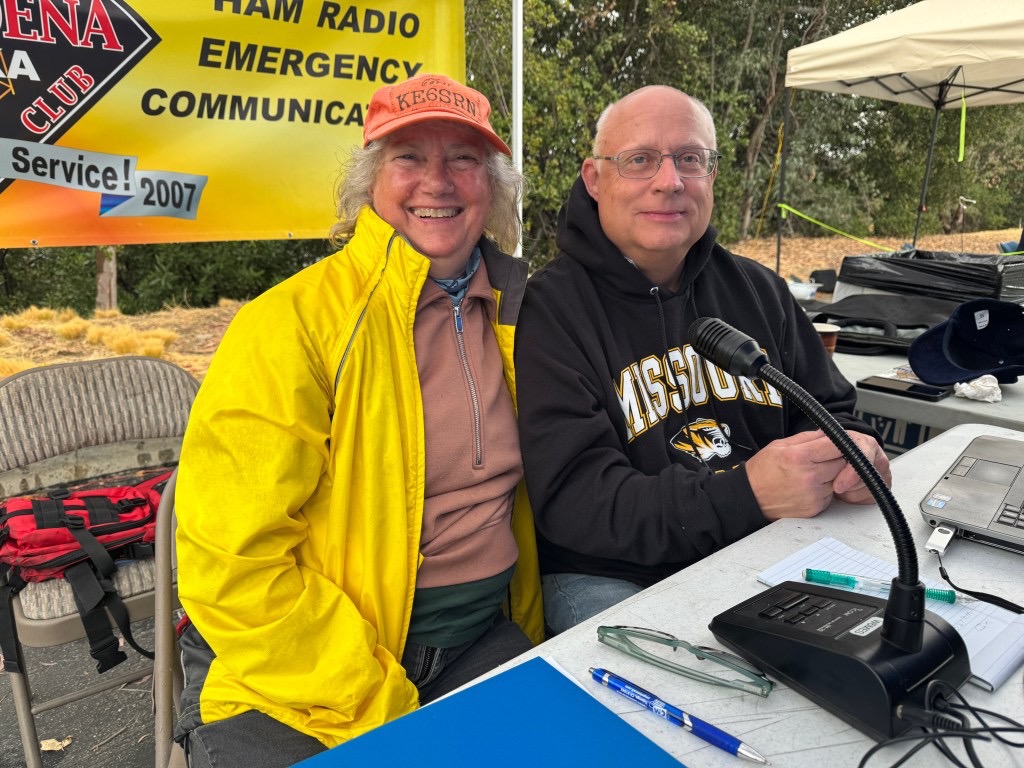
Note: Carol, KE6SRN demonstrated her modified Quansheng HT at SPARC’s August 2025 meeting.

In preparation for the 2025 NorCal and SoCal SOTA group camping events, several ham operators thought it would be fun to make contacts on 2m CW.  This was motivated by the recent discovery that the Quansheng radios (UV-K5 or UV-K6) could be modified to support this capability.  At the time of this writing these radios sold for $28, making 2m CW both affordable and accessible to those holding even the entry level (Technician) ham operating license class.

The modification involves first installing the new IJV2.9 firmware:
Manuale Firmware UV V2.9R5
followed by the removal of a tiny, tiny resistor and jumping two components with a 1” wire. 

This hardware modification is explained in the following YouTube video:

This video refers to a “Secret Menu.” It is accessed by turning the radio off, then pressing and holding the PTT and the side button beneath it (F1) while turning the radio back on.  Set menu item 3 to CW.

After the modification, the CW signal can be sent with by pressing the PTT button, or by using the microphone input with a key.  Only a straight key signal is accepted, but a double paddle can be used by using one paddle as a straight key.  One exception was that Mark, KD7DTS demonstrated Iambic paddle mode by use of a keyer he built for $15.  (Keying is weird. You have to send a dit before every separate transmission.  That’s a Quansheng problem not the keyer. Mark said the keyer wiring was not correct also.  He’s going to make a video.  )

This modification does not disable the original features of the radio, including FM operation.

June 2025 Meeting: Field Day Plans

At our June monthly meeting, we reviewed plans for SPARC’s upcoming joint operation with the Pasadena Radio Club, JPL Amateur Radio Club, and the Caltech Amateur Radio Club for Field Day. This represents an expansion from last year’s Field Day and an attempt to recapture some of the scale from pre-Covid times. The details are:

Start: Saturday, June 28 at 11:00 a.m.
End: Sunday, June 29 at 10:59 a.m.
Location: ArtCenter College of Design, Hillside Campus, south parking lot
Enter at 1700 Lida St., Pasadena, CA 91103
What3Words location: help.rock.vouch

There will be a Get on the Air (GOTA) station operating from 1 p.m. to 5 p.m. on Saturday. Members of the public with no radio license are welcome to visit the station and get a taste of Field Day excitement for themselves.

We will operate under the special event call sign N6P, “November Six Papa,” as a class 4A station. The GOTA station will operate with SPARC’s call W6SPR, “Whiskey Six Sierra Papa Romeo.” Thanks to our Field Day coordinator Carol, KE6SRN for securing the special event call!

If you were unable to attend the meeting and would like to operate with us, please reach out through our contact form. If you are operating from home and would like to contribute your score to the aggregate club total, note that our group name will be “PRC/SPARC/JPLARC/CITARC” this year.

Click this link or the image below to download a copy ( 2 MB PDF) of this year’s Field Day presentation.

If you can’t be with us in person for Field Day, we hope to hear you on the air!

November 2024 Meeting: HF at Home


At our November meeting, SPARC members shared the antennas they use to get on the HF bands at home. Here are a selection of pictures and comments on each antenna.

Chameleon Emcomm II

The antenna is pointed northeast but is not very directional. It handles 200 watts on SSB, 100 watts on digital. Thanks to its 5 to 1 coil, the wire is resonant on 20, 40, 80. Using the antenna on 30 and 80 requires a tuner. The tripod was purchased on Amazon and spray-painted matte black to blend into the environment.


Comet CHA-250B vertical

The Comet is mounted on a pole attached to the garage on a hinged base so it can fold it down if conditions are windy. The antenna is self-contained, requiring no radials. It receives impressive DX like Brazil, Japan and Australia. However, it picks up a fair bit of noise too. A key advantage is its small, unobtrusive footprint.

MFJ Mobile Ham-tenna Whips

This is a pair of MFJ “HF Mobile Ham-tenna Whips” on a back-to-back bracket, forming a dipole configuration. The pairs of whips are tuned to a single band [10, 20, 40m] and do a good job. The bracket and whips are mounted on a fiberglass push-up mast with a tripod base. It provides the benefits of a dipole without requiring a support in, say, the neighbor’s tree. Tuning for a low SWR requires adjusting the whip length with an Allen wrench.


29’ random wire

In the box is a 9:1 UNUN that is meant for a “random” wire.  The antenna is designed not to be resonant on any particular ham frequency, and it requires an external tuner to provide acceptable SWR from 6 to 40 meters.  Build instructions are available in this PDF.

Although the instructions call for a random wire, it is necessary to avoid certain wire lengths so that the antenna is not accidentally resonant on any particular frequency. Here is a chart of safe wire lengths


NA4RR Hexbeam

The NA4RR Hexbeam covers 20m through 6m. The most difficult issue was getting it mounted on the mast. The second issue is aligning the antenna direction with the rotor control direction.


Cushcraft R7

This Cushcraft R7 is mounted at about 33 feet, covering the 10, 12, 15, 17, 20, 30, and 40-meter bands. The 40-meter band performs best. The 20-meter band has been somewhat limited, the 15-meter band challenging, and the 10-meter band works occasionally. Here are a few links for further reference:

Cushcraft A4S Yagi

This Yagi works on 10, 15, 20, and 40. It reaches essentially anywhere on earth, even the South Pole. The element lengths are 20 feet long, spaced 10 to 15 feet apart. It’s mounted on a Tri-Ex crank-up tower, requiring no guy wires, that nests down to 23 feet. The tower is just over 60 feet tall when fully deployed. There are rotators on both the tower and the Yagis on the chimney. 

Halloween Special Event Update

Our October 31 special event station W6H was a fun night of operating, even though our location didn’t have the best propagation. Here is a map of our contacts, and check out a few photos posted on our Instagram account.

Halloween in South Pasadena: Special Event Station W6H

The building used as Michael Myers’s house in the original Halloween. Photo via Loopnet.com.

The South Pasadena Amateur Radio Club (SPARC) invites operators from around the world to experience the frightful delight of Halloween as only our town can celebrate it. Dozens of famous movies and television shows have used South Pasadena as a location, including the original Halloween (1978). On October 31, our club will operate outside the South Pasadena Historical Museum which sits one block south of “Michael Myers’s house” from the classic horror film. We will use the special event call sign W6H.  

Special event electronic QSL card available on request

SPARC members will operate W6H on October 31st starting at 2 p.m. Pacific time (21:00 UTC) and concluding at 9 p.m. Pacific (November 1, 04:00 UTC). We will primarily operate phone, but we will attempt other modes as conditions permit. The chart below lists our intended frequencies. 

40M20M10M6M2M
PHONE7.26614.26628.46650.166145.600
CW7.03314.03328.03350.033
FT87.07414.07428.074
Depending on conditions, frequencies may be +/- several kHz or not usable at all.

To find us during the event, please check your preferred cluster or spotting tool. You can also look for updates by following @southpasradio on threads.net and mastodon.radio.

Logs will be uploaded to QRZ under our club call W6SPR. After the event, logged stations can request an electronic QSL card by emailing contact@southpasradio.org

Don’t be scared, get on the air! 

Sign seen on October 12, 2024 outside the location used as the home of movie heroine Laurie Strode, played by Jamie Lee Curtis.
The South Pasadena Historical Museum

October 2024 Meeting: AREDN and Meshtastic

Slide explaining the components of an AREDN mesh node

At our October 2 member meeting, we discussed two popular forms of mesh networking. For those unfamiliar with it, mesh networking is essentially Wi-Fi over amateur radio or unlicensed frequencies.

First, Orv Beach, W6BI discussed the current state of AREDN, the Amateur Radio Emergency Data Network. Orv lives in Simi Valley and volunteers as an AREDN Ambassador. He helps coordinate the deployment and maintenance of AREDN in Southern California, from Paso Robles to the Mexican border and east to Las Vegas. He explained the basic requirements of setting up an AREDN node and provided examples of the many services one can run on the network. For example, live video feeds on AREDN have helped state officials track wildfire activity. The AREDN software was just updated, and Orv detailed some of its improvements.

Example of an outdoor Meshtastic node

Next, SPARC member Adrian Pinedo, KN6MHG discussed his experiments with Meshtastic, a low-power form of mesh networking that doesn’t require a ham license to use. Meshtastic runs on relatively inexpensive nodes — often sold as kits — and is accessed with a phone app. During an emergency, Meshtastic can allow a neighborhood, or even a whole city, to maintain simple text communications.

Map of Meshtastic nodes near South Pasadena

In addition to the main Meshtastic website, Adrian recommended other resources including SoCalMesh.org, Liam Cottle’s mesh map, and the Rokland store.

Based on member interest, SPARC may have a Meshtastic group build and hopefully deploy a local network. If you’re interested in participating, join our mailing list for updates.

Below is a copy of Adrian’s presentation.

September 2024 Meeting: FEMA Community Preparedness Officer Christian Erickson

At our September meeting, SPARC welcomed Christian Erickson, Community Preparedness Officer for FEMA Region IX. Christian explained that his territory covers California, Arizona, Nevada, and Hawaii, as well as the U.S. territories of the Pacific, including Samoa and Guam. In conjunction with National Preparedness Month, Christian spoke about the state of readiness in Southern California. He said that, thankfully, people in the Los Angeles area are highly motivated to anticipate and train for emergencies. Southern California was “the birthplace of CERT.” He also explained how FEMA thinks about the three stages of emergency preparedness: mitigation, near-term recovery, and long-term support.

FEMA Community Preparedness Officer Christian Erickson speaking to SPARC on September 4, 2024

When asked how to encourage a community to engage in preparedness, Christian replied that one effective method is to inspire youth to participate. When young people are motivated to address preparedness, they frequently convince their parents to take the issue more seriously. Finding methods that are fun and welcoming are also key — fear mongering leads to worry but not action. One tool he is excited about is a tabletop game called Disasterville. Christian also recommended Quake Heroes, a documentary released to coincide with the thirtieth anniversary of the Northridge Earthquake.

After Christian’s remarks, John, KK6ZVQ shared “How to Build an Emergency Plan,” a step-by-step guide to personal preparedness. The presentation is embedded below. Most of the resources mentioned in the slides are available at SPARC’s dedicated preparedness page.

SPARC thanks Christian Erickson for his time and insight. And we’d like to thank all of the community members who joined us to discuss this vital topic.

Pictures from Our SOTA-POTA Fest 2024

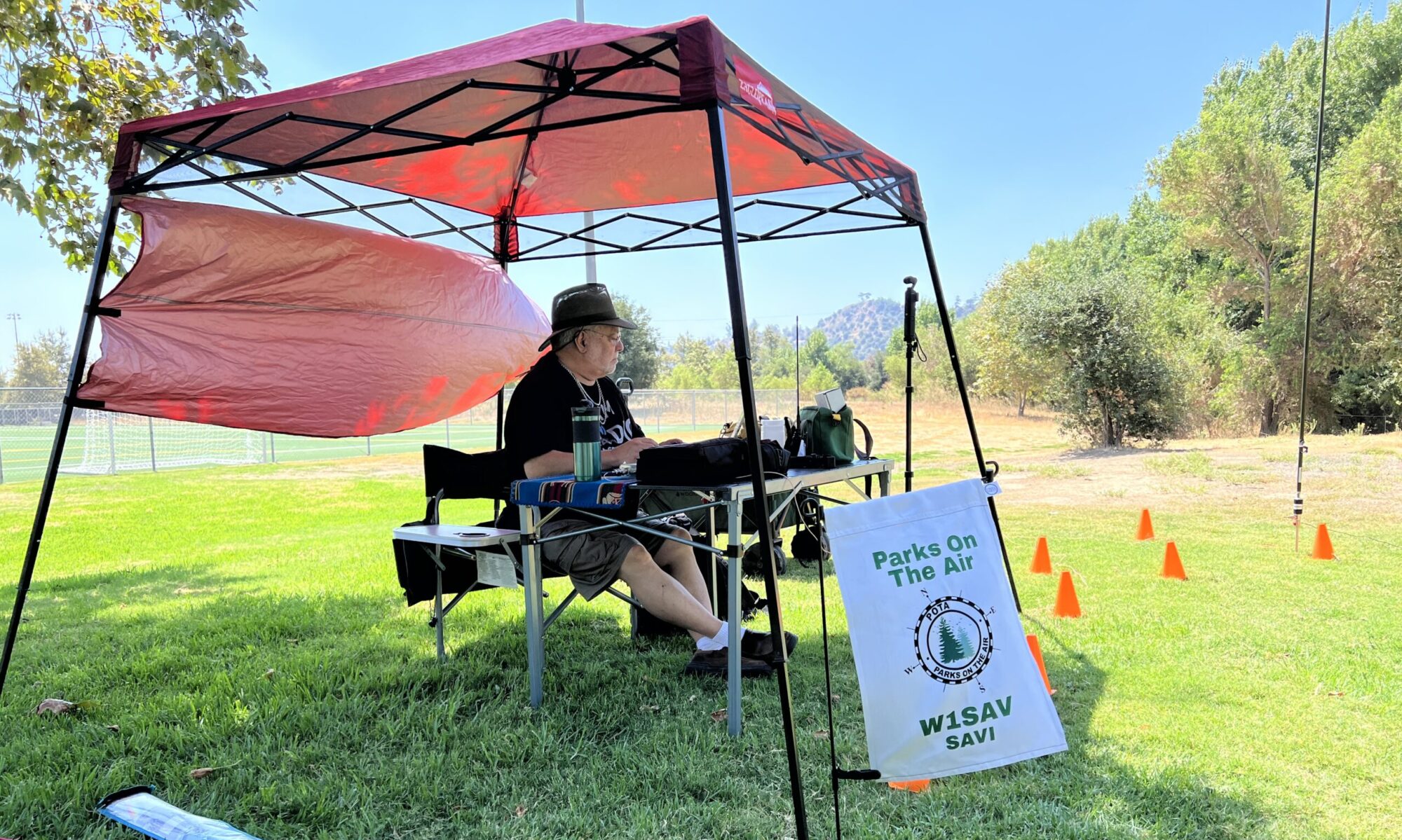
SPARC’s first SOTA-POTA Fest was a chance for club members to gain experience operating in the great outdoors. Jeff W2JCL activated Flint Peak for SOTA. Five miles to the southwest, the POTA team of Savi W1SAV, Steve KN6ZOO, Colleen KN6DOQ, and John KK6ZVQ activated Rio de Los Angeles State Park. After a little bit of effort, we successfully made a summit-to-park contact.

Savi enjoyed communicating with fellow members of the Long Island CW Club. On VHF, we heard from John AC6VV, Jason KM6WJQ, and Vince KF6FLJ.

W1SAV’s video and after-action report is available on his blog.